Custom data collection forms can be configured to collect any desired data including digital signatures from submitters.
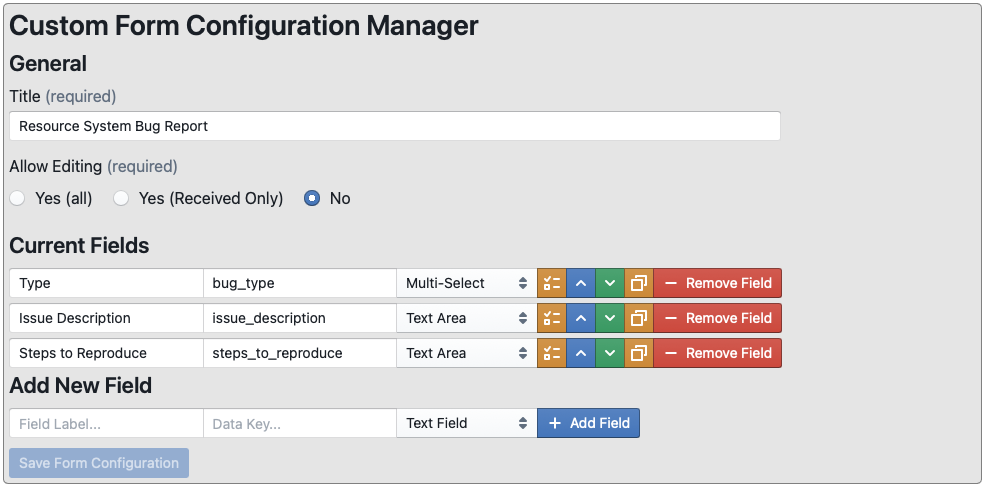
Title - The title of the form
Allow Editing
Yes (all) - Allow users to edit form submissions after submission
Yes (Recieved Only) - Allow users to edit form submission as long as they are in the "Received" state
No - Disallow form editing after submission
Current Fields - Control and edit the forms for this data collection form

Label Field - Used to set the name of the field
Data Key Field - Defines the name of the storage variable. Should be unique across all fields
Field Type Selector
Markdown Block - Display a markdown formatted section of text
Text Field - Single Line Text Field
Text Area - Multi-line text field
Number - Floating point number field
Select - Single Item select
Multi-Select - multiple item select
Section Divider - Section Divider with or without title
Signature Block - Email target for signature request
Field Details/Config Button - Displays field type configurations
Markdown Block 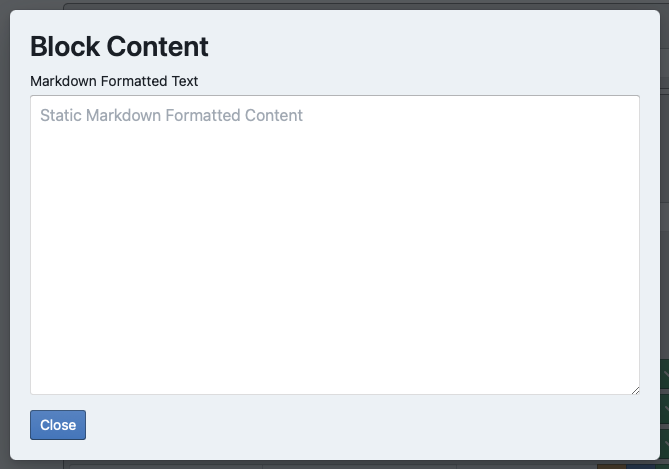 Text Field - Single Line Text Field
Text Area - Multi-line text field
Number - Floating point number field
Text Field - Single Line Text Field
Text Area - Multi-line text field
Number - Floating point number field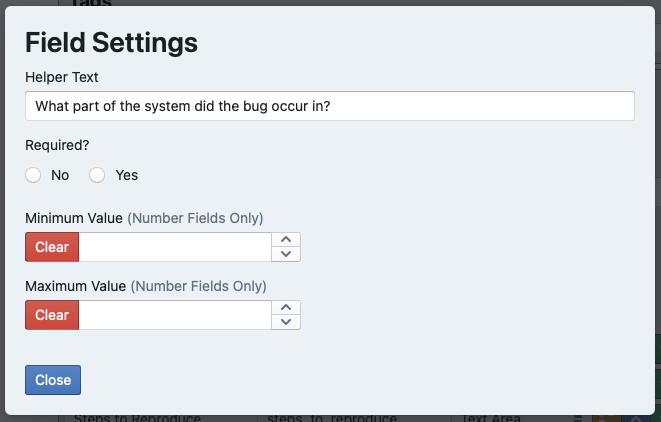 Select - Single Item select
Multi-Select - multiple item select
Select - Single Item select
Multi-Select - multiple item select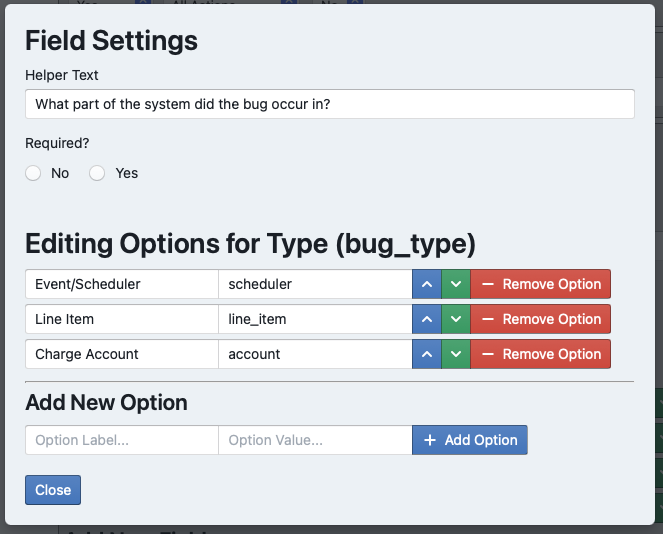 Section Divider - Section Divider with or without title
Signature Block - Email target for signature request
Move Field Up - Alters display position of field
Move Field Down - Alters display position of field
Copy Field Button
Remove Field Button
Section Divider - Section Divider with or without title
Signature Block - Email target for signature request
Move Field Up - Alters display position of field
Move Field Down - Alters display position of field
Copy Field Button
Remove Field Button


 Text Field - Single Line Text Field
Text Area - Multi-line text field
Number - Floating point number field
Text Field - Single Line Text Field
Text Area - Multi-line text field
Number - Floating point number field Select - Single Item select
Multi-Select - multiple item select
Select - Single Item select
Multi-Select - multiple item select Section Divider - Section Divider with or without title
Signature Block - Email target for signature request
Move Field Up - Alters display position of field
Move Field Down - Alters display position of field
Copy Field Button
Remove Field Button
Section Divider - Section Divider with or without title
Signature Block - Email target for signature request
Move Field Up - Alters display position of field
Move Field Down - Alters display position of field
Copy Field Button
Remove Field Button
No