
Available Reports and Formats
Formats
- Fixed Width Text File - Displayed as page

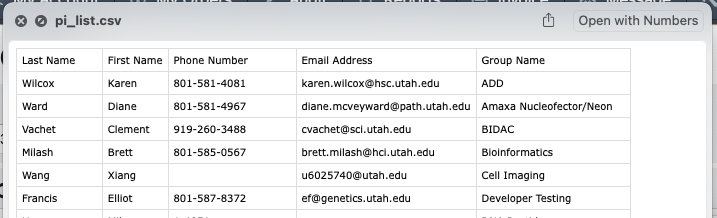
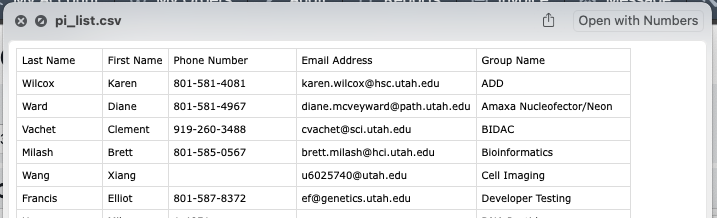
- CSV File - Downloaded as file

Reports List
By default the resource management system provides the following reports to managers and administrators:
- Master User List - All users accounts in the system by first and last name in alphabetical order
- PI List - The list of all Principle Investigators responsible for each active group
- Active ACcount List - The list of all charge accounts currently available (active and un-expired) to be charged in the system
- Users with Service Tag - Download a list of users who have the requested services tag
- Group User List - A time range bounded list of all users who have ordered from a given group
- User Service Revenue - A time range bounded list of all users who have ordered from a given group and grouped by service used, account charged, and total revenue charged.
- Group Revenue (Service) - A time range bounded summary of all usage and billing for a given group categorized by Service.
- Group Revenue (PI) - A time range bounded summary of all revenue for a given group categorized by the Principle Investigator/Owner of the account charged. Ordered by most to least charged
- Group Active Accounts - A time range bounded summary of all revenue for a given group categorized by the title of the account charged and sub-categorized by the users who created those charges
- Excluded Revenue - Excluded Revenue Report show all events that have been excluded during the given period
- Pending Revenue - Download a list of all pending events or line items.
- Group Rates - Download a list of all current rates / line presets for the selected group.